AI in Dental Billing: What Automation Handles and Where Expertise Matters
Understand where dental billing automation can reduce manual work, how to evaluate available workflows, and which decisions still need your practice’s approval.
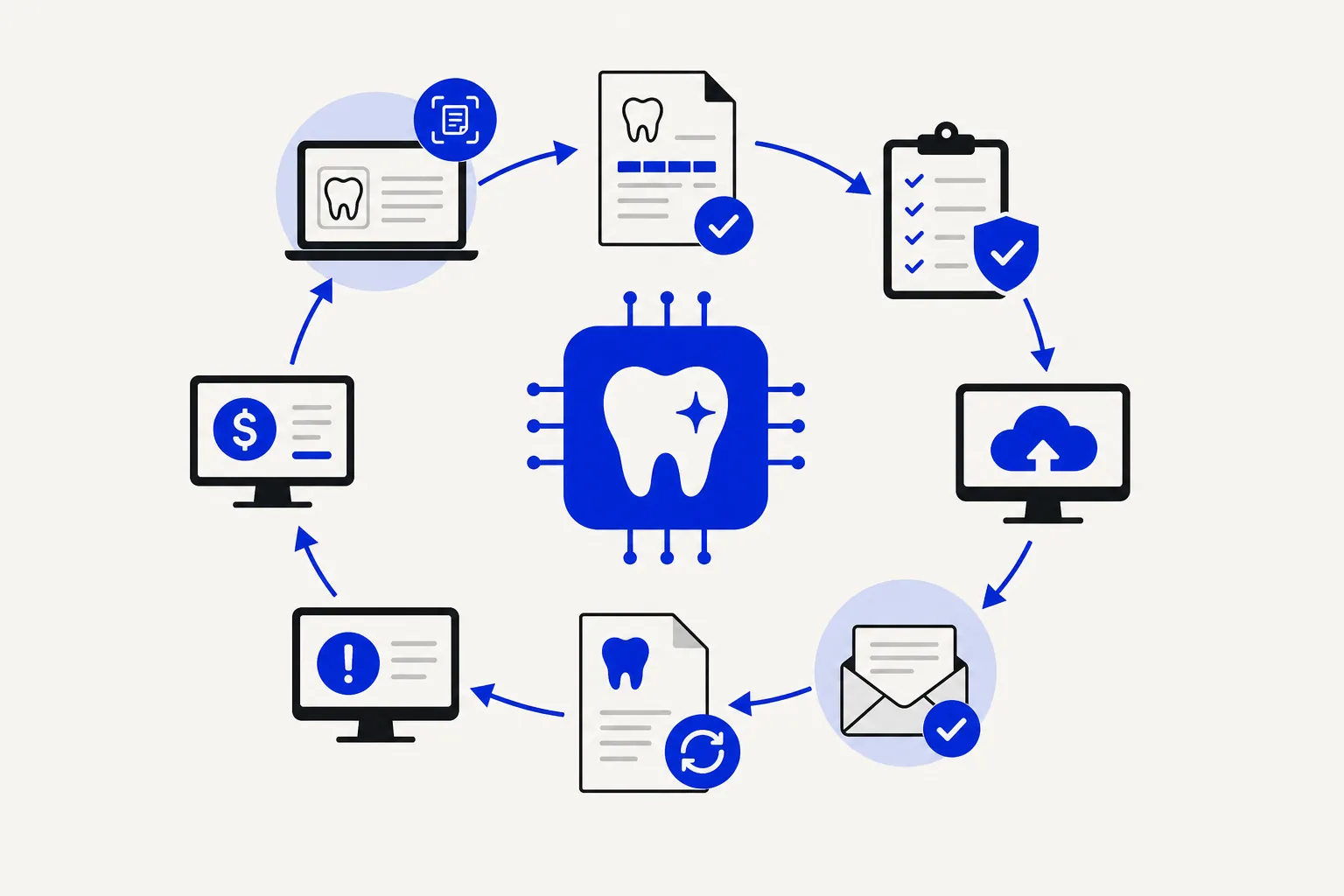
A claim needs another attachment. A payment does not match the ledger. A patient wants someone to explain their balance. These are the moments when a practice needs a billing team that knows its work and follows through.
AI dental billing tools can help organize information and reduce repetitive administration. Their value depends on the task, the quality of the information available, and the people responsible for reviewing the result. A faster workflow still needs a clear answer to one question: who takes care of the claim when it needs attention?
At Kato, the goal of dental billing automation is simple: get your time back. Built for dentists. Built by dentists. We are building a product to take care of billing work, starting with payment posting, reconciliation, patient payments, and A/R visibility.
What does AI dental billing actually mean?
AI dental billing describes the use of artificial intelligence to assist with billing information and decisions, such as identifying potential discrepancies in claim documentation. It often sits alongside conventional automation, which carries out defined steps such as creating reminders or transferring information between supported systems.
Those are different capabilities. A scheduled reminder does not need AI. A tool that flags a possible documentation mismatch has not established which procedure was performed or whether a claim will be paid.
The ADA's overview of artificial and augmented intelligence in dentistry discusses potential uses in claims processing and preparation, including supporting documentation. It describes a range of applications, rather than a single system that every practice can use for every billing task.
When evaluating a provider, ask which steps its technology assists with, which actions it can execute, and where a person reviews or approves the work.
Where automation can support a dental billing team
The following examples describe tasks to evaluate with a provider. Availability depends on the system, access, and agreed service scope; they are not a list of features every AI product or Kato engagement includes.
Claim preparation and document checks
Tools can help organize claim information and flag missing fields or attachments for review. A billing specialist can then investigate the issue, request clarification from the practice, and prepare the claim using confirmed information.
A completeness check is useful, but it does not establish that the clinical record supports a particular code. The treating clinician needs to resolve questions about the care delivered.
Follow-up on unpaid claims
Reminders and worklists can help keep outstanding dental insurance claims visible. The service team still needs to establish what happened, identify the next action, and record its follow-up.
For a practice owner, a useful update explains the claim's current status, what has been done, and what is needed next. A list of overdue claims is only the starting point.
Denial management
Organizing denial information can help a team review the reason given by the payer. The appropriate response may require additional documentation, a correction, a conversation with the practice, or an appeal under the applicable payer process.
A good workflow makes room for that investigation. It should not treat every denial as permission to change a procedure code or resubmit the same claim.
Payment posting and reconciliation
Electronic payment information can reduce manual entry where a supported workflow is available. The billing team should review discrepancies, adjustments, and unmatched items before treating the account as reconciled.
Ask how the provider identifies exceptions and who resolves them. A payment appearing in a system and an accurately reconciled account are separate checkpoints.
Patient balance communication
Reminders can support patient collections, but a patient may need a person to explain a charge, investigate a disputed amount, or discuss the practice's payment policies. Agree on the wording, timing, and escalation process before introducing automated outreach.
The standard of service should feel consistent with the care patients receive in the practice.
Where professional judgment matters
Coding must reflect the care delivered
A suggested code needs to be checked against the clinical documentation. The ADA's guidance on patient records states that the dentist remains responsible for the codes recorded in the clinical and billing systems.
That responsibility also applies when a practice uses outside billing support. The ADA's guidance on claim accuracy advises that procedure codes should not be changed without the treating dentist's consent and that the dentist must have an opportunity to review claims submitted on their behalf.
For a billing service, this means having a clear route back to the clinical team when the record needs clarification. Software output should never be used to fill gaps by inventing treatment details.
Exceptions need an owner
Consider an illustrative claim held because a required attachment is missing. A useful process would:
- Identify the missing item and assign the follow-up.
- Ask the practice for the relevant documentation.
- Have the responsible team member verify that it matches the claim.
- Submit through the agreed process and track the response.
Automation may assist with parts of that sequence. The service is the team carrying it through, including the occasions when the first request does not resolve the issue.
Your practice's policies shape the work
Approval limits, account adjustments, patient communication, and escalation preferences deserve attention during onboarding. A provider should be able to explain what it handles, what requires your approval, and how it records the work performed.
That conversation is more useful than a blanket promise that everything happens automatically.
How Kato approaches dental billing automation
Kato starts with the work that takes up your day. We review your PMS and workflow, then confirm which automation is available for your practice before onboarding.
Our initial rollout focuses on EOB and ERA receipt, actual deposit verification, payment posting and adjustments, reconciliation, patient payments, and a rolling A/R view. A remittance or payer-paid status is not proof of deposit; the workflow needs to connect remittance, cash, and PMS records.
Broader verification, claim submission, denial resolution, collections, and pre-authorizations are our longer-term direction. We distinguish that roadmap from available workflows and agree on authorized access, practice policies, and required approvals with you.
If you are deciding how much support to bring in, our guide to outsourcing dental billing walks through the questions to consider before making a change. If you already plan to move providers, our billing transition guide explains how to keep outstanding claims assigned through the handoff.
Questions to ask before choosing AI billing support
Use a consultation to understand how the service will work in your actual practice:
- Who handles exceptions? Ask who follows up when a claim needs investigation or a patient disputes a balance.
- What is supported in our system? Confirm the specific workflows and access required, including any limitations.
- Which actions require approval? Clarify how coding questions, adjustments, and clinical documentation requests reach your team.
- How will we see progress? Ask for an example of a claim update, an unresolved-item report, and the record of actions taken.
- How is patient information handled? Confirm access controls, permitted communication channels, and how access is removed when the engagement ends.
- What remains with our practice? Establish responsibilities before work begins so that a handover does not leave tasks unassigned.
Agree on how you will assess the service, too. You might review time your staff spends on billing, open items awaiting action, older receivables, and the clarity of updates. Establish a starting point and consider changes in practice activity when comparing results. Avoid relying on a promised percentage improvement without understanding how it would be measured.
Common questions about AI dental billing
Does AI replace a dental billing team?
That depends on the work the product can actually carry out and the responsibilities your practice retains. Kato’s direction is to automate revenue-cycle work, including its execution, so practices spend less time doing and supervising billing. Our initial rollout is narrower than the full revenue cycle, and clinical decisions and practice policies remain with your practice.
Can AI choose procedure codes without the dentist's involvement?
A software suggestion does not transfer the dentist's responsibility for accurate coding. Questions about the procedure performed should go back to the treating clinician, with documentation and review before the claim proceeds.
Will we need to replace our practice management system?
Discuss your current system during the conversation. Kato’s goal is to work with the PMS you already use, and we confirm the available workflows and access before onboarding. Do not assume every integration is ready or supports the same tasks.
Can automation guarantee that claims will be paid?
No. A prepared claim still goes through the payer's review. Coverage depends on the patient's plan and applicable terms; accurate coding alone does not establish a covered benefit. The ADA's coding guidance explains the distinction between documenting a procedure and determining its reimbursement.
More Time for Your Practice and Your Life
The useful question is what work comes off your plate, and what you still need to check. Evaluate automation against those responsibilities, the available workflow, and the time your practice spends on billing today.
Talk with Kato about where billing takes up your time and which available workflows could help you get it back.