How to switch dental insurance payments from paper checks to EFT
Switch dental insurance payments from paper checks to EFT. Learn payer enrollment, ERA setup, fees, bank checks, and how Kato helps during onboarding.
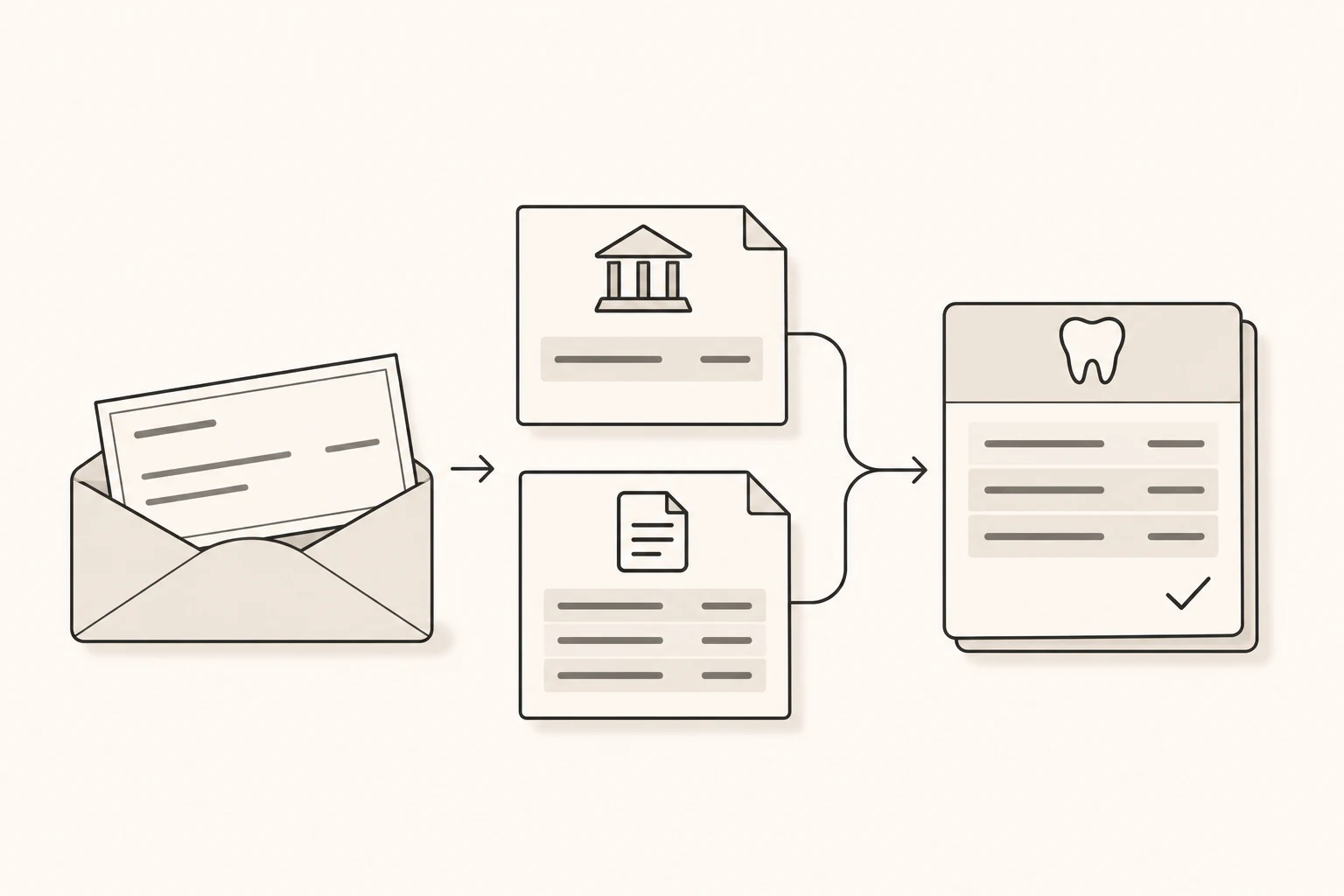
Paper checks create work before the payment reaches your practice ledger. Someone has to receive the check, deposit it, find the explanation of benefits, and enter the payment against the right claims.
Switching dental insurance payments to electronic funds transfer, or EFT, removes the need to receive and deposit those checks. To make the change useful, set up the payment explanation at the same time. The money needs to reach the correct bank account, the remittance needs to reach the right system, and the payment needs to be recorded correctly in your practice management software.
For a U.S. dental practice, the practical route is to arrange ACH EFT and electronic remittance advice with each payer, confirm the destinations, and verify the first payments through to the ledger. Kato includes authorized EFT and ERA enrollment in onboarding where supported and needed, as part of setting up dental payment posting and reconciliation.
Understand what you are enrolling in
These terms describe different parts of the payment process:
| Term | What it does |
|---|---|
| ACH EFT | Moves an insurance payment electronically into your designated bank account through the Automated Clearing House network. |
| ERA | Electronic remittance advice explains the claims, payments and adjustments in a structured X12 835 file. |
| EOB or remittance statement | Provides a readable explanation of how a claim was processed. A portal page or PDF does not, by itself, mean an 835 file is reaching your billing system. |
| Virtual credit card | Provides a card number to process through a card terminal. It is a different payment route from ACH and can carry card-processing fees. |
CMS explains the distinction between EFT and ERA. Aetna also explicitly distinguishes electronic EOB access from ERA enrollment, while UnitedHealthcare describes ACH deposits and virtual cards as separate payment options.
That distinction matters when someone offers to make your payments “electronic.” Ask which payment method you are choosing, what it costs, and how the corresponding remittance will arrive.
Start with the payers and locations that actually receive checks
Review recent insurance deposits and make a short list of the payers still sending checks. Record the member company or administrator, tax identification number (TIN), billing or payee National Provider Identifier (NPI), practice locations, and current remittance destination.
Start with a manageable group of payers that accounts for meaningful check volume. The ADA’s EFT implementation checklist recommends a phased transition so the practice can verify the workflow before expanding it.
The enrollment unit is not always the insurer’s brand name. For example, Delta Dental’s Provider Tools guidance calls for separate enrollment for each practice location under one TIN. Other arrangements use different grouping rules. Confirm what each application covers before assuming the entire practice is enrolled.
This is also a good time to identify payments still going to an old address, a previous billing service, or an account the practice plans to close. Resolve the destination before submitting new instructions.
Gather the details and authorize the change
Expect to supply the practice’s legal and tax information, applicable NPI, contact details, designated bank account information, and an authorized signature. A payer may also request bank evidence such as a voided check or a bank letter. Northeast Delta Dental, for example, specifies supporting banking documentation and a W-9 in its enrollment FAQ.
Use the payer’s current enrollment instructions. Confirm that the legal entity, payee identifiers, locations and banking information agree with the payer’s records. An owner or another person with the required signing authority should approve the destination and authorization.
Treat enrollment and later bank changes as sensitive financial instructions. Go through a verified payer or payment-provider channel, use multifactor authentication where available, and independently confirm unexpected requests to change payment details. The FBI’s business email compromise guidance recommends verifying payment-procedure and account-number changes through a trusted contact route rather than relying on the incoming message.
Choose the ACH option and check the fees
Ask specifically for the basic healthcare ACH EFT option. A payment portal may offer that alongside a virtual card, expedited payments, or a paid service covering multiple insurers.
The ADA recommends asking for a basic, fee-free standard ACH option and checking for charges attached to additional services. Your bank may also charge for receiving or reporting transactions. Confirm the cost of the selected route before accepting its terms.
MetLife’s Zelis enrollment page illustrates why this matters: it presents a no-fee ACH ePayment Center option for MetLife payments alongside a separate premium service. “Enroll electronically” is not a sufficient description of the choice.
For health plans subject to HIPAA transaction requirements, CMS says the plan must honor a request for the adopted EFT and ERA standards, including for an out-of-network provider. The practice still has to complete enrollment. A plan may use a vendor to administer the process, but cannot require the practice to accept unwanted payment or reassociation services as a condition of receiving standard EFT and ERA. CMS guidance.
Check current payer notices
Delta Dental of California and the affiliates identified on its EFT page have announced a January 1, 2027 change making EFT their standard payment method, with a weekly $15 paper-check processing fee for affected practices where consistent with state law. This is a future change for the specified companies, states and networks, not a nationwide rule for every Delta Dental practice. Check the notice that applies to your office.
Set up the remittance destination alongside the deposit
An EFT approval does not establish that an ERA is arriving where it needs to go. Confirm both destinations: the bank account receiving the money and the system receiving the claim-level payment information.
Your ERA may be delivered through a clearinghouse, a supported connection to your practice management system (PMS), or another authorized recipient. Confirm the actual route and any software or service fees before changing it. If you are replacing a billing service or clearinghouse, check where remittances currently go and how the change will affect access.
Current payer instructions show why this requires individual checks:
| Payer example | Enrollment route to verify |
|---|---|
| Delta Dental | Start with the correct member company. California and its affiliates use Provider Tools; other member companies may have different routes and national-sharing options. Enrollment guidance. |
| Aetna | Its current instructions direct dental providers to Optum Payer Enrollment Services for EFT and ERA requests. Payment tools. |
| Cigna | EFT enrollment goes through Cigna for Health Care Professionals; ERA enrollment is arranged through the EDI vendor, with a separate enrollment for each TIN. EFT and ERA instructions. |
| MetLife | Its enrollment page distinguishes the payer-specific ePayment Center from a premium service, with remittance delivery options to verify. Payment options. |
| Guardian | Its provider toolkit directs EFT enrollment to ECHO and states that no fees apply to Guardian payments. Provider toolkit. |
These are starting points for enrollment, not a list of Kato’s supported connections. Follow the current instructions for your exact payer, plan and practice arrangement.
Make sure the bank provides the matching information
A bank transaction that shows a processor name and an amount may not contain enough information to identify the claims it pays.
Ask your bank how to obtain the healthcare ACH payment addenda, including the reassociation trace information. That detail connects the deposit with its corresponding ERA. The Federal Reserve’s healthcare ACH guidance explains that providers should request delivery of the accompanying payment information from their financial institution.
There are also two different kinds of reference number to keep straight. The bank-assigned ACH trace number is different from the payer’s X12 reassociation trace number carried in the payment addenda and ERA. The CAQH CORE reassociation rule distinguishes them. Two records showing different kinds of trace number are not necessarily describing different payments.
Use the appropriate payment references together with the payer, amount and date. Matching two records solely because both show $1,300 is not enough.
Verify activation while continuing to track paper checks
Keep three milestones separate: application submitted, enrollment activated, and first payment reconciled.
Activation can take time. Delta Dental’s Provider Tools page, for example, gives an enrollment estimate of two to four weeks, with activation following receipt and processing of the required information. Cigna describes a bank verification step before its next EFT payment cycle. Neither example establishes a universal start date.
Continue tracking existing checks during the transition. Enrolling in EFT does not turn an already-issued check into an electronic deposit. Delta Dental NJ/CT specifically notes that the previous payment method may continue while enrollment is processed.
For each payer, keep a simple record of the effective date, first actual deposit, first corresponding remittance, posting result and unresolved items. Do not stop monitoring mail or remove access to the old remittance route merely because an application was accepted.
Where useful for initial testing, CMS says providers can request both paper and electronic remittance advice for up to three payment cycles or 31 days, whichever is longer, with longer periods by agreement. That concerns duplicate explanations, not duplicate payments. CMS operating-rules FAQ.
Check the first payment through to the PMS
The first successful deposit is an opportunity to verify the whole setup.
Consider this hypothetical example. An ERA lists three claim payments: $650, $425 and $225. The corresponding bank deposit is $1,300. Only the first two payments, totaling $1,075, have been posted in the PMS.
The money arrived, but $225 of posting work remains. The bank total alone does not establish that the practice ledger is correct. Likewise, seeing $1,300 recorded in the PMS would not independently prove the deposit arrived.
Check the actual bank receipt, the matching remittance, the claims receiving the payments, and any adjustments recorded under practice policy. Preserve the payment references so someone can trace the result later.
Common exceptions deserve different responses:
| What you see | What to investigate |
|---|---|
| Deposit received, remittance missing | Identify the payment and obtain its remittance before guessing which claims it covers. |
| ERA received, expected deposit missing | Check the payment method, scheduled payment or settlement date, destination and payer or bank status. An ERA alone does not establish receipt of money. |
| Payment total differs from claim totals | Review payment-level adjustments as well as claim details. An unexplained difference is not automatically a write-off. |
| Duplicate or corrected ERA | Check prior posting and correction history before recording another payment. |
| Payment associated with the wrong claim | Correct the association under the practice’s workflow before treating reconciliation as complete. |
Provider-level adjustments can increase or reduce a payment without belonging to one current claim. UnitedHealthcare’s 835 adjustment guide includes examples of overpayment recovery and balance handling. Open Dental’s ERA troubleshooting documentation also shows why duplicate remittances and incorrect claim associations need attention even when electronic delivery is working.
Keep uncertain adjustments and missing evidence unresolved. Do not move an unexplained difference to a patient balance simply to make the totals agree. A legitimate remaining patient balance can still be correct after the payer payment has been reconciled.
Keep the setup current
Revisit enrollment when the practice changes bank accounts, ownership, tax identifiers, locations, clearinghouses or PMS workflows. Confirm which existing payer arrangements need updating and verify the new destination before retiring the old process.
Discuss appropriate bank controls and reporting with your financial institution. Read correction and recovery terms in the relevant agreements. ACH is not a promise that a deposited payment can never change: Nacha permits limited reversals for genuine sender errors, subject to its rules. A reversal is different from a returned deposit or a claim adjustment shown on a later remittance.
Keep a fallback for a portal, clearinghouse or payment-provider outage. The ADA implementation checklist recommends planning for those interruptions rather than assuming every electronic connection will always be available.
How Kato handles this during onboarding
Kato’s initial rollout focuses on dental payment posting and reconciliation. We review your current payment workflow and PMS, establish the necessary authorizations and access, and agree on adjustment policies and exception handling for the work in scope.
Where supported and needed, we arrange authorized EFT and ERA enrollment as part of onboarding, so payer payments and remittance information can reach the right destinations. Your practice approves the banking details and required authorizations; payer verification and activation still follow the payer’s process. Payments go to your practice’s designated bank account. Kato does not hold your payer deposits.
That setup supports the ongoing work: Kato retrieves available payer remittances through authorized access, matches them to claims and actual money received, posts payments and appropriate adjustments in your PMS, and reconciles the records. Missing or ambiguous evidence stays unresolved. The intended workflow does not require your team to download and upload every remittance or assemble payment spreadsheets for routine processing.
We confirm supported workflows and access requirements for your practice before onboarding. Enrollment timing and available connections depend on your practice and payers. You can read more about our payment posting and reconciliation workflow.
If your team is still handling insurance checks and working through the payment records manually, request a demo to discuss your current setup. Keep bank details, payer passwords and sensitive enrollment documents out of the public contact form.